
How do I mark a goal as complete?
Log in on I-Plan (if you don't know how to do this please click here).
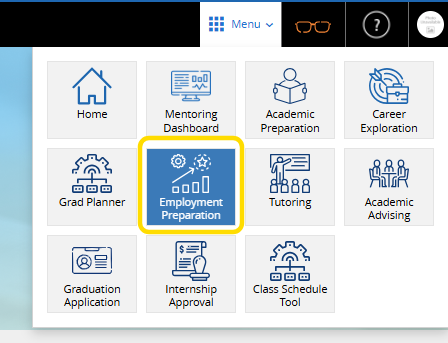
Go to Employment Preparation
Click on Employment Preparation tab at the top of the page.
Click on a goal
Click on the goal that you would like to start.
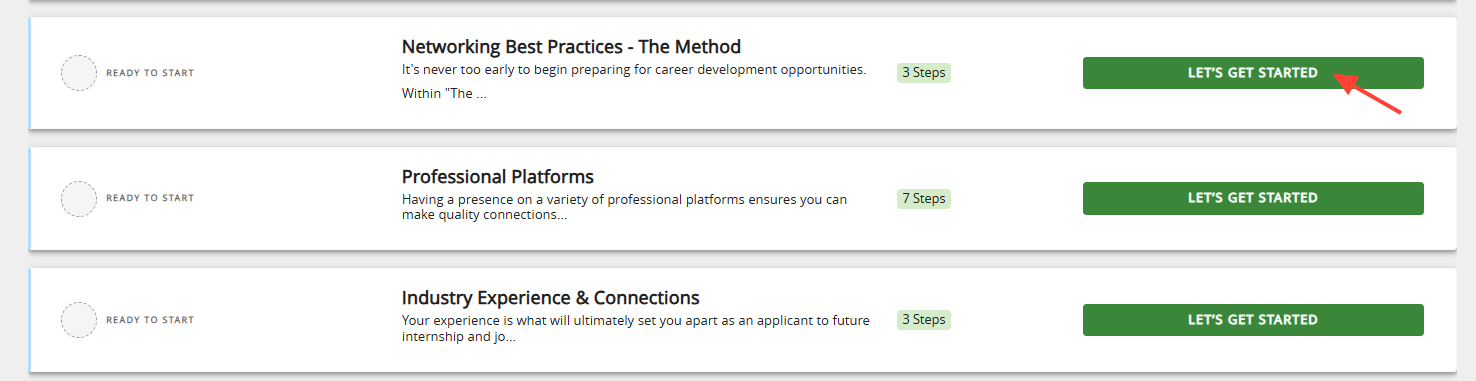
Start the goal
Click on the Start button

Complete the requirements explained in the description.
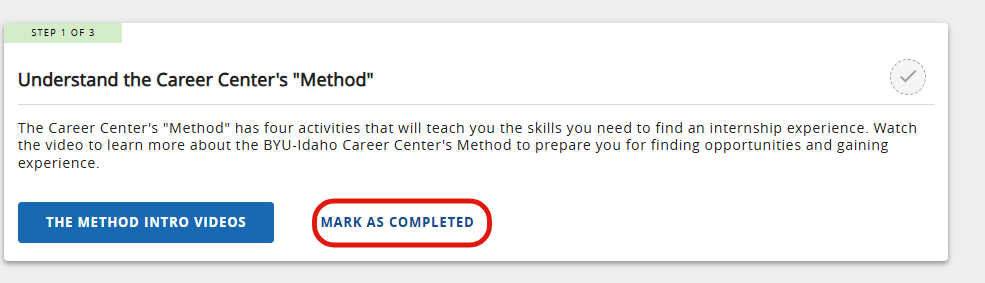
Complete
Once you have finished the goal, Mark as completed
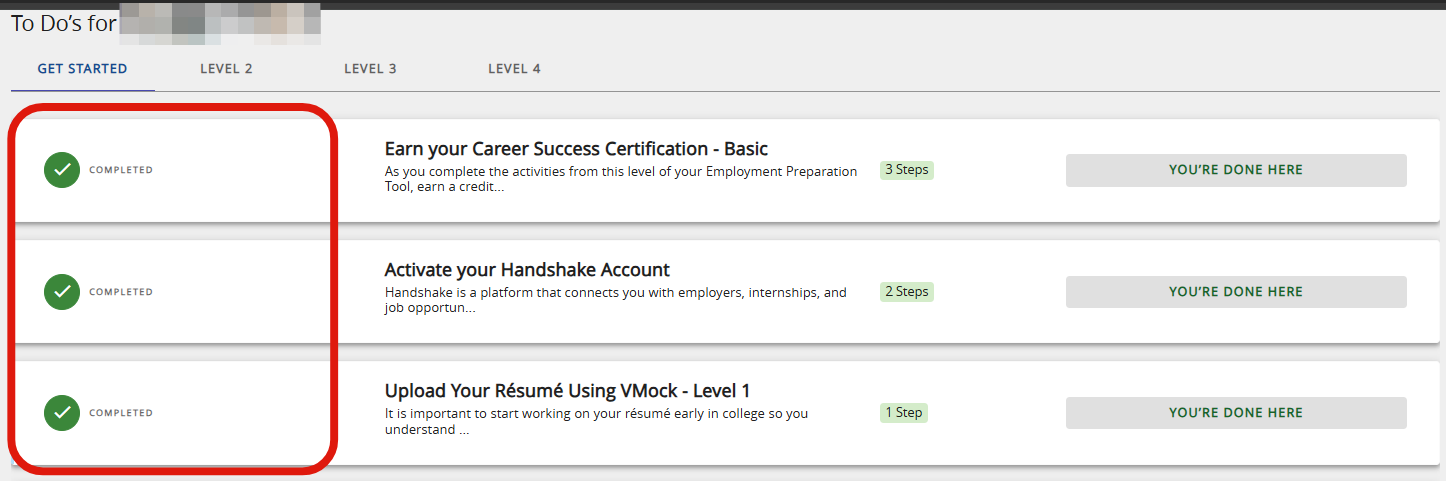
Complete all required Topic and you will finish the level.
0 Comments
Add your comment